Blog
How to Set Up a Gang Sheet in Illustrator: A Professional Step-by-Step Guide (2026)

Thinking your gang sheet is ready just because the designs fit on the artboard is the fastest way to waste expensive film and end up with pixelated results. Most designers struggle with incorrect resolution or color shifts when moving from screen to press. If you want to avoid these common pitfalls, learning how to set up a gang sheet in illustrator with professional precision is essential for anyone running a business in Miami.
You’ve likely dealt with the headache of wasted material due to poor spacing or files that don’t meet the technical requirements of local printers. This guide provides a direct, technical walkthrough to help you master the 2026 version of Adobe Illustrator for DTF production. You’ll learn the exact document settings, CMYK color management, and export protocols needed to create a perfect, high-resolution PDF or PNG. By following these steps, you’ll be able to maximize your film space to save money and ensure fast turnaround times from our Opa-locka facility.
Key Takeaways
- Learn how to set up a gang sheet in illustrator by configuring artboard dimensions to 22 or 24 inches to maximize film usage and reduce waste.
- Discover how to use the vector engine to maintain sharp edges and high resolution for professional-grade DTF prints.
- Master pre-press essentials like embedding linked files and creating outlines to ensure your fonts and graphics print correctly every time.
- Identify and clear hidden layers or stray points that can cause issues with the white ink base during the printing process.
- Fast-track your production with local same-day printing options and easy file validation through our Miami-based portal.
Why Adobe Illustrator is the Industry Standard for DTF Gang Sheets
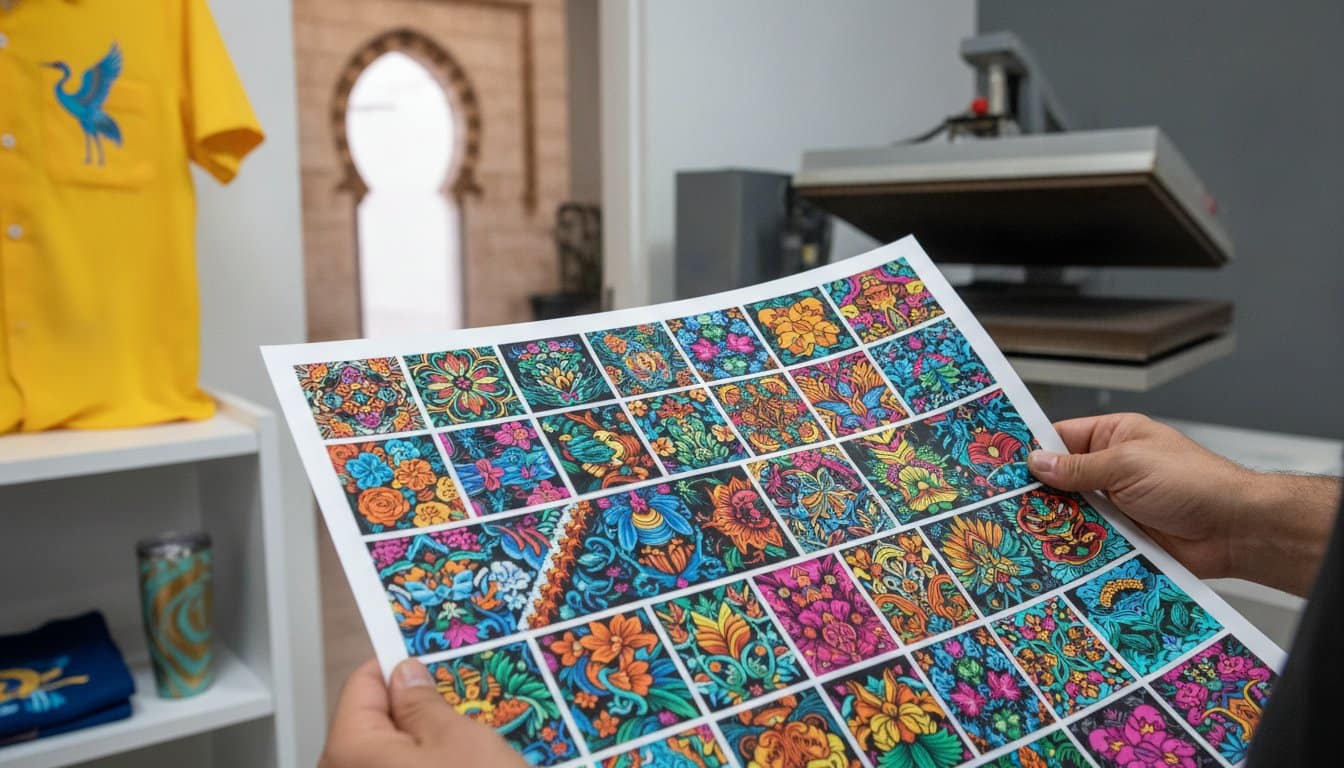
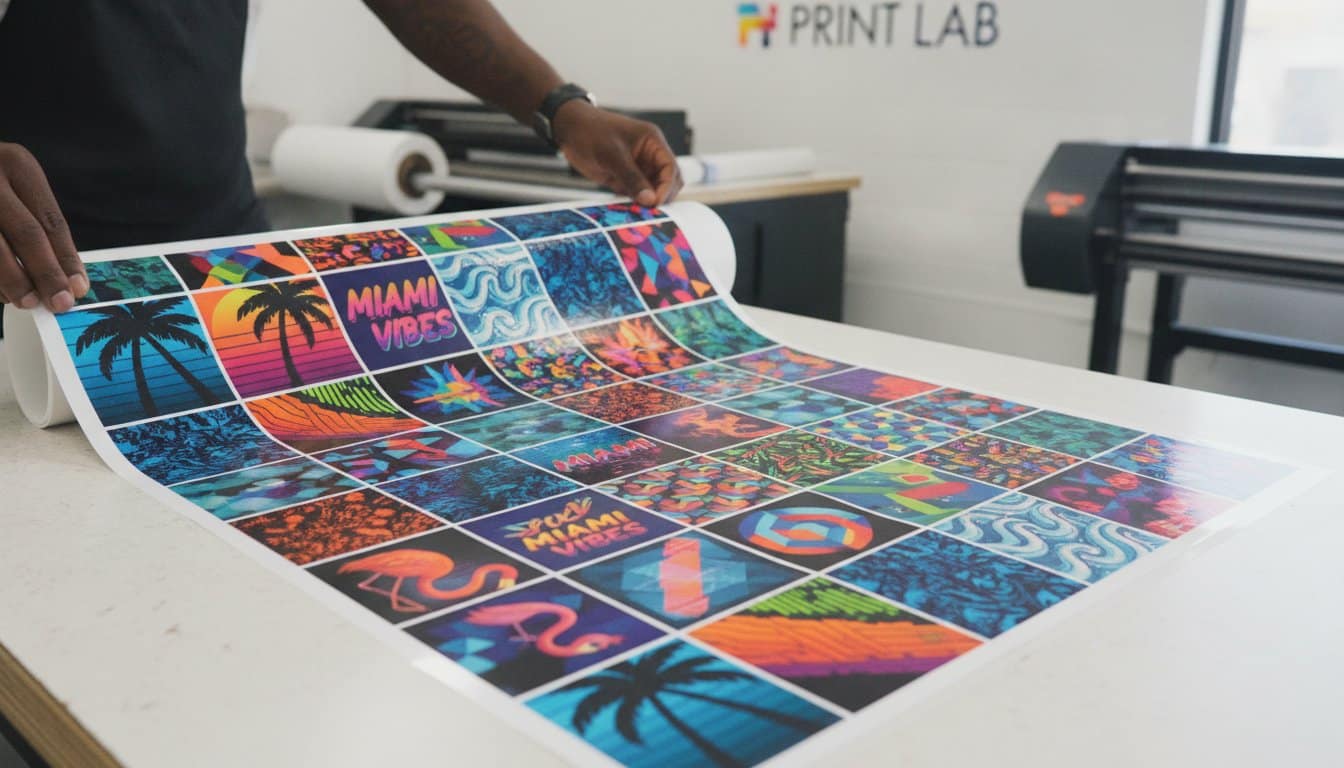
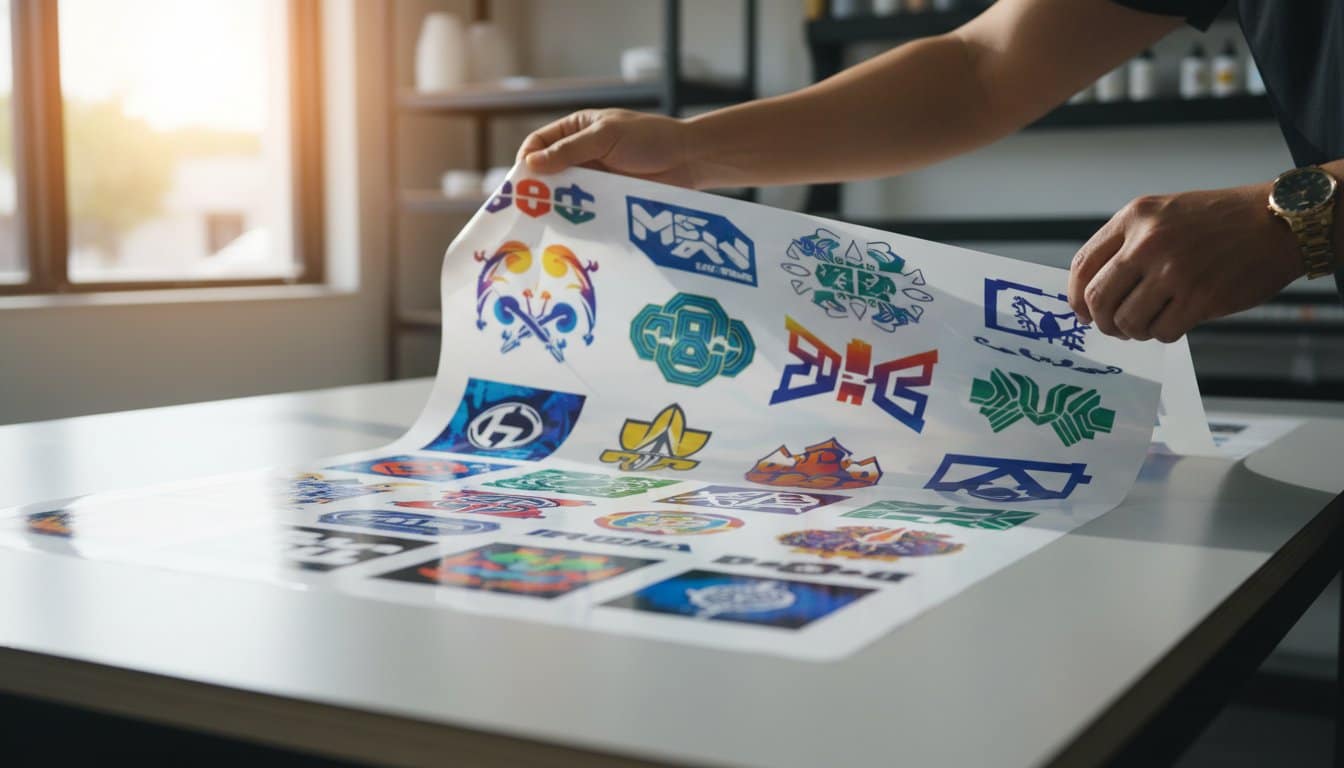
A gang sheet is a single digital file that contains multiple designs arranged strategically to maximize print space on a roll of transfer film. This method, often referred to as What is a Gang Sheet?, is the most cost-effective way to produce custom apparel at scale. For professionals in Miami, Adobe Illustrator is the preferred tool because it provides the mathematical precision required for high-resolution Direct to Film (DTF) output. When you master how to set up a gang sheet in illustrator, you ensure that every logo, regardless of its size, remains sharp and production-ready.
Professional print shops in areas like Opa-locka and Wynwood prioritize AI or high-quality PDF files over raster formats like JPEG or low-resolution PNGs. Raster files rely on pixels, which often lead to “stair-stepping” or blurry edges when resized. Illustrator’s vector engine handles complex paths and gradients without slowing down your system, even when your artboard contains dozens of different logos. This reliability is why local contractors and garment decorators rely on Illustrator to meet tight deadlines for same day printing Miami.
Vector vs. Raster for High-Quality DTF Transfers
Vector graphics use mathematical equations to define points, lines, and curves. This means you can scale a small logo to fit a full-back hoodie without any loss in clarity. In contrast, raster images have a fixed resolution. If you attempt to enlarge a 72 DPI image for a large-format film, the result will be pixelated and unprofessional. Clean vector paths are critical because they dictate exactly where the printer applies the white ink underbase. Precise paths create the most durable heat transfer edges, preventing the adhesive from bleeding or the ink from cracking after a few washes. For the best results, always ensure your embedded raster elements are at least 300 DPI before finalizing your layout.
Canvas Flexibility and Layer Management
Illustrator offers a massive workspace that easily accommodates the standard 22-inch or 24-inch widths used in DTF printing Miami. Unlike basic design software with restricted artboard sizes, Illustrator allows you to create long-form gang sheets that span several feet. This flexibility is essential for maximizing material usage and reducing costs for your business. The Layers panel is another professional advantage. It allows you to organize different client logos or design variations efficiently. You can group items, lock backgrounds, and toggle visibility to ensure your file is clean before submission. If you are new to this process, you can learn more about the fundamentals in our guide: What Are Gang Sheets?. Organizing your workspace correctly is the first step in learning how to set up a gang sheet in illustrator for professional-grade results.
How to Set Up Your Artboard and Document Settings in Illustrator
The technical foundation of your print job begins the moment you open the software. To start, launch Adobe Illustrator and navigate to File > New. This initial configuration determines whether your final product will be a professional-grade transfer or a costly mistake. When learning how to set up a gang sheet in illustrator, your first priority is matching your digital workspace to the physical capabilities of industrial DTF printers used in Miami.
Follow these specific steps to configure your document for a local production run in Opa-locka or Doral:
- Width: Set this to 22 inches for standard commercial rolls or 24 inches for wide-format projects.
- Height: Adjust this based on your total gang sheet order requirements.
- Color Mode: Select CMYK. This ensures the colors you see on your monitor closely match the specialized inks used in our Miami facility.
- Raster Effects: Choose High (300 PPI). This is non-negotiable for maintaining clarity in any non-vector elements you might include.
- Orientation: Use Portrait for long-run sheets to simplify the scrolling process during design.
Choosing the Correct Artboard Dimensions
While many commercial film rolls are 24 inches wide, 22 inches is considered the “safe” width for most professional DTF rollers. This 2-inch margin accounts for the tracking wheels and edge-to-edge ink limitations found in high-speed production environments. If you are preparing a bulk order for a construction company in Hialeah, calculating your total linear inches correctly ensures you aren’t paying for empty space. You can adjust your artboard height dynamically as you add more designs; simply use the Artboard Tool (Shift+O) to drag the bottom edge down as your layout grows.
Color Profiles and Resolution for DTF
Accuracy in DTF printing Miami depends heavily on your color profile. Designing in RGB often leads to “muddy” or dull results because digital screens can display neon shades that physical inks cannot replicate. By following industry standards for print production, we recommend sticking to the CMYK gamut from the start. It’s also vital to understand the difference between PPI (pixels per inch) and DPI (dots per inch). While PPI refers to your digital file’s resolution in Illustrator, DPI describes the physical ink droplets on the film. Keeping your raster elements at 300 PPI ensures the printer has enough data to produce a crisp 1440 DPI finish. Before you begin placing logos, double-check that your background is set to “Transparent” in the Document Setup menu to avoid printing a solid white box around your designs.
If you need a quick turnaround for an upcoming event in Wynwood, consider checking our professional printing services to ensure your file meets our local equipment specifications.
Placing and Arranging Designs for Maximum Efficiency
Efficiency in DTF production is about more than just fitting images on a screen. It’s about optimizing every square inch of your film to reduce costs and speed up the final cutting process. To start, use the “Place” command (Shift+Ctrl+P) to import your high-resolution assets into the document. When you master how to set up a gang sheet in illustrator, you’ll find that proper file organization is what separates professional results from amateur mistakes. Managing your assets correctly ensures a smooth handoff to our production team in Opa-locka.
One critical step is the choice between linking and embedding. A linked file remains external to the document, which often leads to “missing file” errors when you submit your work for printing. Embedding is the process of locking a file into the document. This step is mandatory for submission because it guarantees all graphics are physically present within the AI file. This level of preparation aligns with professional design standards and prevents technical delays that could push back your delivery date.
Professional layouts also require precise margins. We recommend maintaining a minimum of 0.25 to 0.5 inches between designs. This gap provides enough space for our finishing team to cut your transfers without damaging the edges of adjacent logos. Use the Align and Distribute tools in the top toolbar to create uniform spacing across your layout. For businesses in Wynwood or Downtown Miami needing same-day results, these small technical details allow us to move your project straight to the press.
Importing and Resizing Artwork Properly
Always hold the Shift key while resizing your graphics. This maintains the aspect ratio and prevents the “stretching” that ruins brand integrity. Check the Transform panel to verify the exact physical dimensions of your designs. For instance, a standard adult t-shirt logo usually measures 10 to 11 inches wide. Verifying these numbers in Illustrator saves you from expensive reprints. Embedding is the process of locking a file into the document. Once your designs are sized and embedded, they are ready for the nesting phase.
Maximizing Film Real Estate
Don’t let empty space go to waste on your gang sheet printing layout. You can “nest” small neck labels or sleeve logos inside the gaps created by larger back designs. Rotating items 90 degrees often helps you fit more pieces across the 22-inch width of the film. However, you must avoid overlapping bounding boxes. Even if the visible images don’t touch, overlapping boxes can cause transparency errors or interfere with the white ink underbase. Keeping your layout clean ensures your custom uniforms for Miami contractors look sharp and professional.
Finalizing and Exporting Your Gang Sheet for Print-Ready Submission
The final pre-press check is where most DIY designers fail. Before you save your file, select every element on your artboard and use the “Create Outlines” command (Shift+Ctrl+O). This converts your text into vector shapes, ensuring our printers in Opa-locka don’t encounter font substitution errors. When you are finalizing how to set up a gang sheet in illustrator, you must also scan for “stray points” or phantom pixels. These invisible remnants can trigger our RIP software to print unwanted white ink dots, ruining your custom uniforms Miami project.
Durability is another technical factor often overlooked. Ensure that no design element, line, or font stroke is less than 2-pt in thickness. Lines thinner than this may not hold enough adhesive to bond correctly with the fabric during the heat press process. This is particularly important for construction company uniforms Miami that endure heavy wear and industrial washing. A final sweep of your layers panel to delete hidden or locked layers will prevent unexpected graphics from appearing in your final print-ready submission.
The Technical Checklist for Transparency
Transparency is the backbone of high-quality DTF transfers Miami. Go to View > Show Transparency Grid to verify that no white boxes are hiding behind your logos. Many raster images imported from web sources contain a solid white background that will print as a thick white block if not removed. You must also ensure all design elements are set to 100% opacity. Modern DTF printers will interpret semi-transparent or “soft” edges as solid white ink, resulting in a halo effect around your designs. Delete all background layers completely before you begin the export process.
Best Export Formats for Captain Printing
PDF is the preferred format for local Miami production because it preserves vector data and manages CMYK color profiles with the highest accuracy. We recommend the PDF/X-4 standard for the most reliable results. If you choose to export as a PNG, you must set the resolution to 300 DPI and ensure the background is transparent. Set Anti-aliasing to “Art Optimized” to maintain smooth curves on your logos. Once your file is finalized and exported, you can head to our DTF Transfer Page to upload your artwork and start your production run.
Ready to see your designs on film? Upload your finalized gang sheet here for same-day production at our Opa-locka facility.
Submitting Your Illustrator Gang Sheet for Same-Day Printing in Miami
Once you’ve completed the technical steps of how to set up a gang sheet in illustrator, the final phase is getting your file into production. Captain Printing operates a professional online portal designed for rapid file validation. This system identifies common errors before they reach the press. For businesses in Doral, Hialeah, and across Miami Dade, this local expertise ensures that your custom uniforms or marketing materials meet professional standards. We focus on speed and accuracy to keep your business moving.
Before you click “Order,” perform a final manual check. Open your exported PDF or PNG and zoom in to 100%. Ensure no white backgrounds remain and that your 0.25-inch spacing is consistent throughout the layout. This small investment of time prevents production delays and ensures your same day printing Miami order is processed without a hitch. Our team in Opa-locka reviews these files to guarantee the highest output quality for every client, from local contractors to corporate brands.
Local Turnaround and Pickup in Opa-locka
We specialize in same day printing Miami for files submitted before our daily cutoff. For urgent contractor needs or apparel brands in Wynwood and Downtown Miami, our Opa-locka facility offers a reliable alternative to national shipping providers. Local production eliminates the risk of transit damage and the multi-day delays common with out-of-state printers. You can pick up your completed DTF transfers directly from our warehouse. This allows you to meet your own client deadlines with confidence and maintain a faster production cycle than competitors who rely on external shipping.
Using the Captain Printing Gang Sheet Builder
We recognize that Adobe Illustrator is a complex tool. If you find the manual process overwhelming, you can use our Free Gang Sheet Builder. This web-based application automates many technical requirements like artboard sizing and transparency checks. It is an efficient solution for those who want professional results without the steep learning curve of vector software. The builder is designed to handle the heavy lifting, allowing you to simply upload your logos and arrange them. If you have a massive project or need a custom bulk quote, our Miami office is available for direct technical support.
Visit our facility in Opa-locka today to discuss your next project or submit your files through our secure portal for immediate processing.
Phone: +1 (305) 930-4700 | Address: 13680 NW 19th Ave, Unit 1B, Opa-locka, FL 33054 | Email: [email protected]
Master Your DTF Production with Precision
Mastering the technical workflow of how to set up a gang sheet in illustrator ensures your designs translate perfectly from the digital artboard to the final garment. By prioritizing vector precision, CMYK color management, and the correct 22-inch artboard width, you eliminate the risk of pixelation or wasted film. These professional document settings are the industry standard for high-volume production in Miami Dade and surrounding areas like Doral and Hialeah. Following these steps helps you avoid the common pitfalls of transparency errors and font substitution.
Captain Printing supports your business with professional 300 DPI output and expert file reviews for every local order. We provide same-day turnaround at our Opa-locka facility to help you meet tight deadlines for custom uniforms, construction company gear, or local apparel brands. Our team is ready to process your print-ready files with the speed and accuracy your business requires. Take control of your production quality by submitting files that are optimized for industrial-grade results.
Order Your Custom DTF Gang Sheets for Same-Day Miami Pickup and experience the difference of local, high-speed production today.
Phone: +1 (305) 930-4700 | Address: 13680 NW 19th Ave, Unit 1B, Opa-locka, FL 33054 | Email: [email protected]
Frequently Asked Questions
What is the best artboard size for a DTF gang sheet in Illustrator?
The best artboard size for a professional DTF layout is 22 inches wide by your required linear length. This width is the standard for commercial film rolls used in Miami Dade production. It provides a necessary safety margin for the printer’s tracking rollers. When you learn how to set up a gang sheet in illustrator, matching your artboard to these physical dimensions is the most important first step.
Should I use CMYK or RGB for my Illustrator gang sheet?
You should always use CMYK color mode for your Illustrator documents. DTF printers use specific cyan, magenta, yellow, and black ink sets that cannot replicate the full neon range of an RGB screen. Designing in CMYK prevents unexpected color shifts and ensures your custom uniforms Miami project looks exactly as intended. Avoid RGB to prevent dull or “muddy” prints during the final heat press.
How do I make sure my gang sheet background is transparent?
To ensure your background is transparent, navigate to the View menu and select Show Transparency Grid. This displays a checkerboard pattern behind your designs, confirming that no solid white boxes exist. You must also check your Layers panel and delete any background or template layers. Our RIP software in Opa-locka will print any visible white pixels as solid ink, so a truly empty background is essential.
What is the minimum line thickness for DTF transfers?
The minimum line thickness for a reliable DTF transfer is 2-pt. Lines or font strokes thinner than this often fail to hold enough adhesive powder during the curing process. This leads to designs peeling off after only a few washes. For durable construction company uniforms Miami, keeping all fine details at or above 2-pt ensures the transfer remains bonded to the fabric for the life of the garment.
Can I use low-resolution images in my Illustrator gang sheet?
You cannot use low-resolution images if you want a professional finish. All raster elements must be at least 300 DPI at their final print size. Using 72 DPI web images will result in jagged edges and pixelated graphics that reflect poorly on your brand. Understanding how to set up a gang sheet in illustrator involves verifying the resolution of every imported asset before you finalize the layout for our Miami facility.
How do I convert text to outlines in Adobe Illustrator?
Converting text to outlines is done by selecting your text and pressing Shift+Ctrl+O on your keyboard. This process turns live, editable fonts into static vector shapes. It is a mandatory step for print-ready submission in Miami because it eliminates font substitution errors. Converting to outlines ensures that our production team in Opa-locka sees your typography exactly as you designed it, regardless of the fonts installed on our systems.
Why does my DTF print have a white border around the designs?
A white border or “halo” appears when your artwork contains semi-transparent pixels or anti-aliased edges. DTF technology interprets any pixel with less than 100% opacity as an area that needs a solid white ink underbase. To fix this, ensure all edges are crisp and fully opaque. This is a common issue for businesses in Doral and Hialeah who transition from traditional screen printing to digital DTF transfers.
How do I save a gang sheet as a PDF for printing in Miami?
To save your file for local production, go to File > Save As and choose Adobe PDF from the format menu. Select the PDF/X-4:2010 preset to ensure all vector data and color profiles remain intact. This format is the most reliable for same day printing Miami because it allows for fast file validation. Once saved, you can upload the PDF directly to our portal for immediate processing at our Opa-locka warehouse.
Phone: +1 (305) 930-4700 | Address: 13680 NW 19th Ave, Unit 1B, Opa-locka, FL 33054 | Email: [email protected]